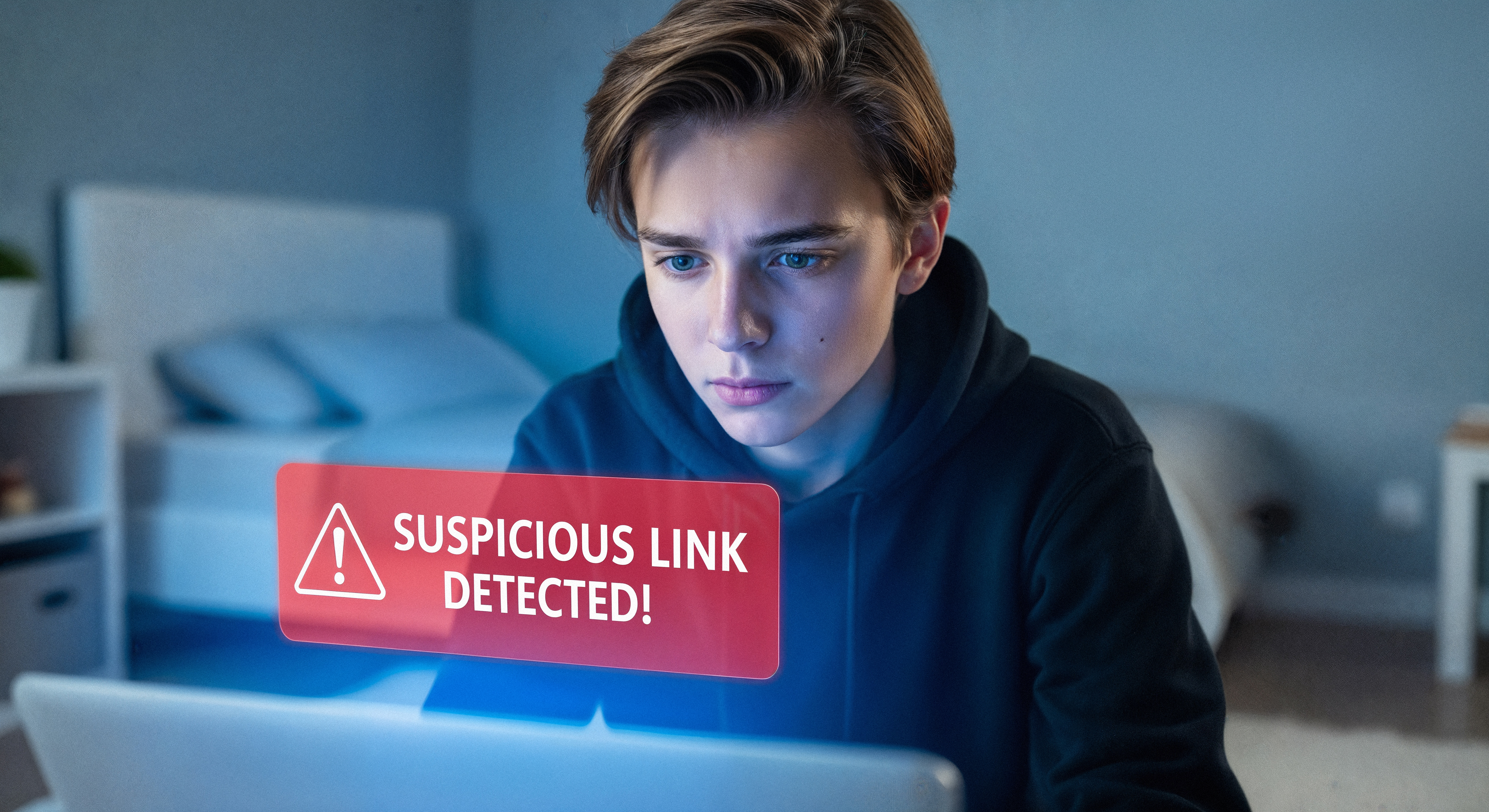

It’s 7:45 a.m., and you’re juggling coffee, a stack of homework, and a quick hallway conversation with a student. Your phone buzzes. It’s an email from your principal.
Subject: Need this handled ASAP before a parent meeting.
The message is short, professional, and urgent. It references a real student by name and asks you to review a “confidential report” immediately. There’s even a link to the district login page. You’re halfway to clicking before you notice something small — the sender’s email address is off by a single letter. A giveaway that the email is actually a phishing email.
Last week, we talked about social engineering; the art of hacking people, not machines. This week, we’re focusing on phishing, the most common form of social engineering. And here’s the twist: artificial intelligence has made these attacks sharper, faster, and far more convincing than ever before.
How AI Has Changed the Game
In the past, phishing emails could be spotted by noticing bad grammar or a strange logo. Now, AI tools allow attackers to:
- Write flawless, natural‑sounding messages in any language.
- Copy writing styles to mimic real colleagues and district leadership.
- Generate phishing websites that look identical to real brands.
- Personalize attacks, making each message feel like it was written just for you.
Old “red flags” aren’t enough anymore.
AI Can Fall for Phishing Too
A research group called Netcraft tested GPT-4.1 by asking it for login URLs to 50 popular brands:
- 👍 66% of responses pointed to the correct brand login page
- ⚠️ 34% pointed to unclaimed, incorrect, or misleading websites
- ☢️ Many of these unregistered domains could be weaponized by attackers
This means AI tools are confidently suggesting fake or risky login pages, unintentionally creating phishing opportunities at large scales.
Your Guide to Fighting Phishing
Protect yourself by staying alert! Remember: If something feels off, trust your instincts. You can even ask a friend to get a second set of eyes on it. Here’s what to look out for:
- Pause on Pressure: Attackers create false urgency (e.g., "Your account will be closed!"). Always take a moment to think before you click. This also applies to unusual behavior in AI tools, especially if they ask for sensitive data unrelated to your task.
- Verify Before Trusting: Get an unexpected request for passwords or a surprise attachment? Even if it's from a known contact, verify it through a separate, trusted channel like a phone call or text.
- Hover Over Links: Before clicking any link, hover your mouse over it to see the actual web address it leads to.
- When in Doubt, Report it: Trust your instincts. If you receive a suspicious email, don't just delete it—report it using the Phish Alert Button to help protect everyone.